Pixel Sky Studio – Procedural Pixel Skies for Godot 4.
A downloadable tool
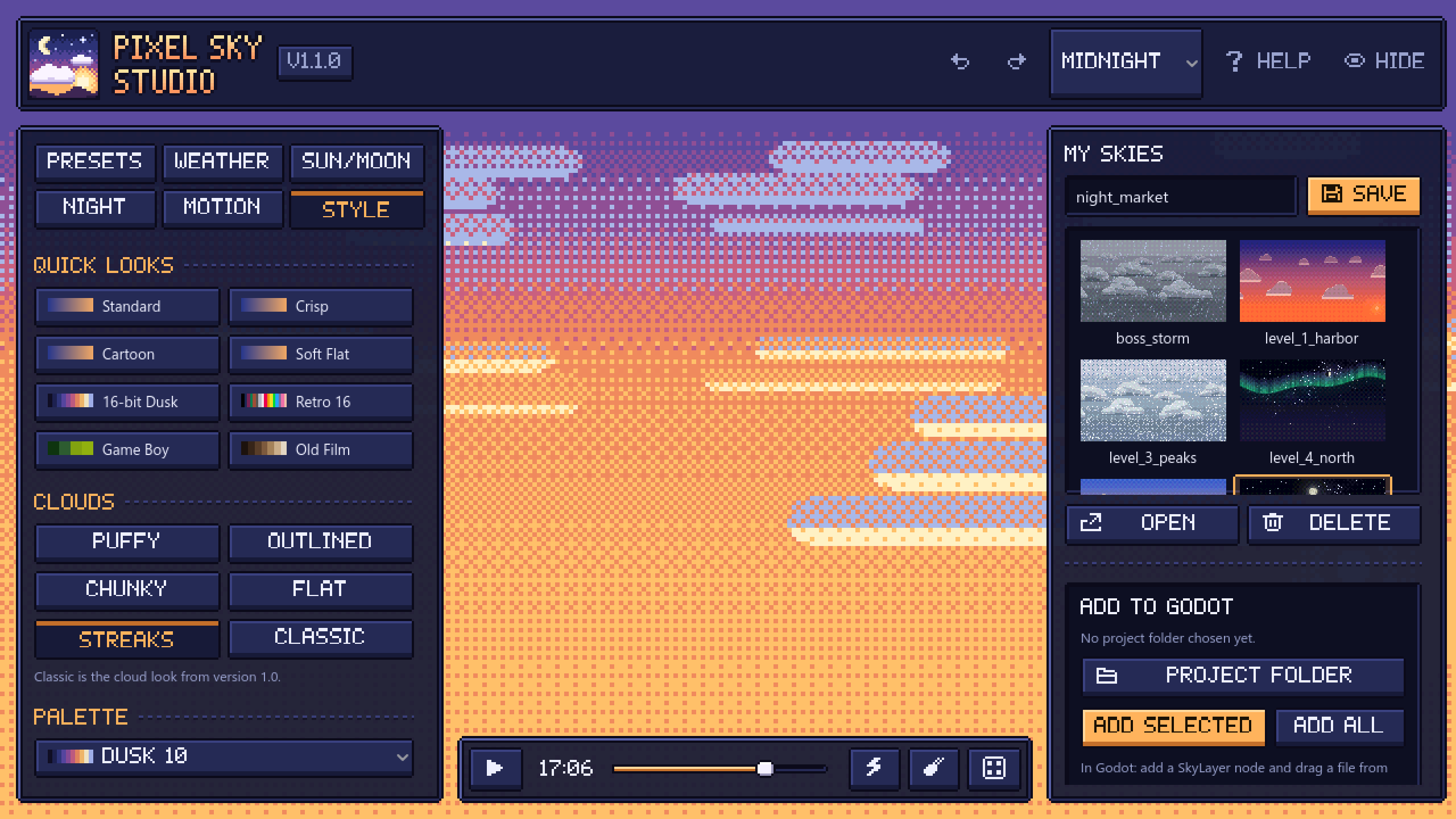
Pixel Sky Studio is a small Windows app for making pixel art skies, plus a set of files (the Sky Kit) that puts those skies into your Godot 4 project.
You pick a preset, set the time of day, add clouds, rain, snow, fog or an aurora and change the look until it fits your game. Then you save it and click one button. The app copies the sky into your project, you add a SkyLayer node, drag the sky file onto it and it shows up in the editor right away. No need to press Play to see it.
Everything is drawn by one shader. There are no sprite sheets, no huge images and no tiling seams. A sky file is just a few lines of settings, so you can keep one per level without your project getting bigger.
Skies
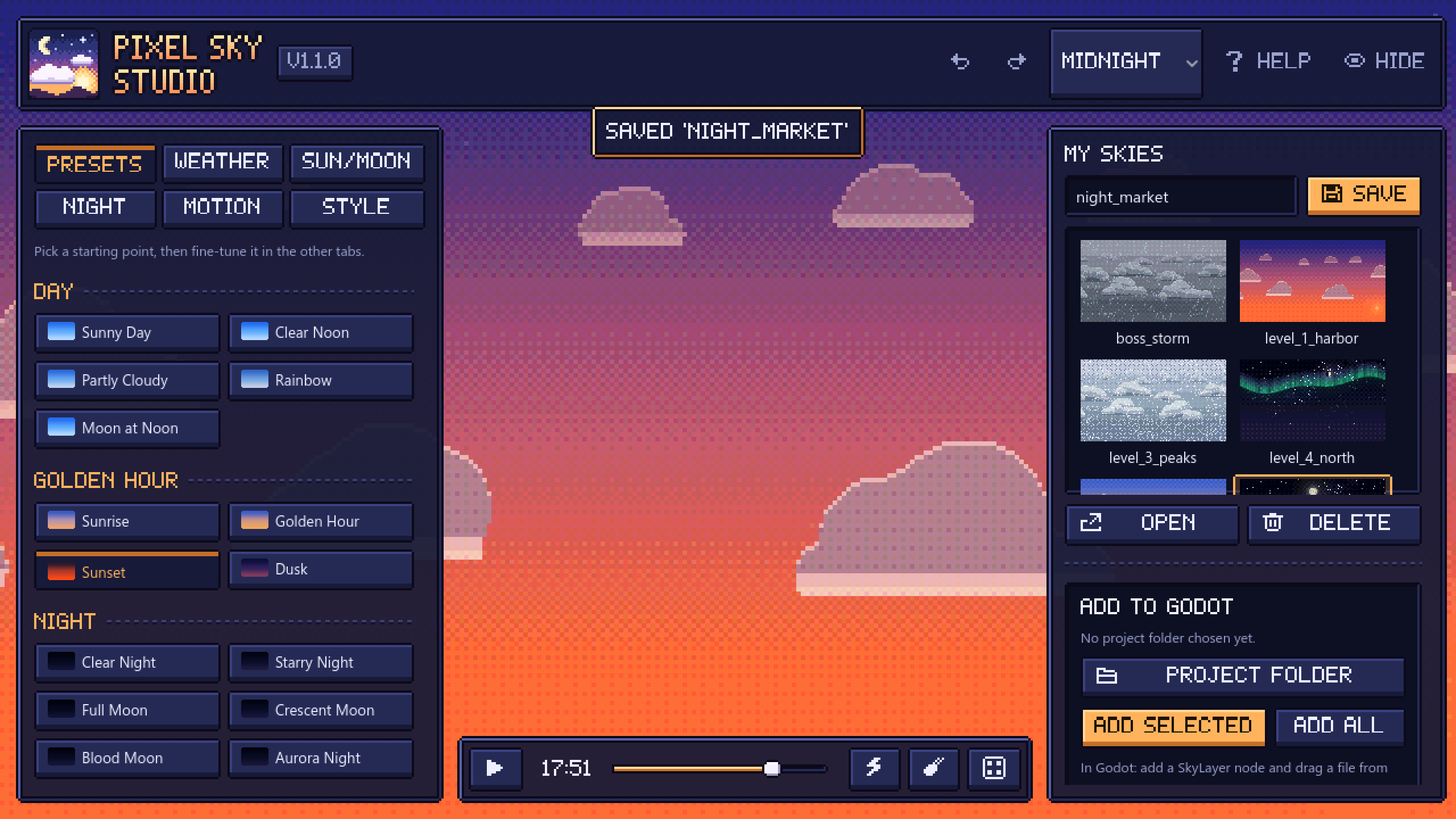
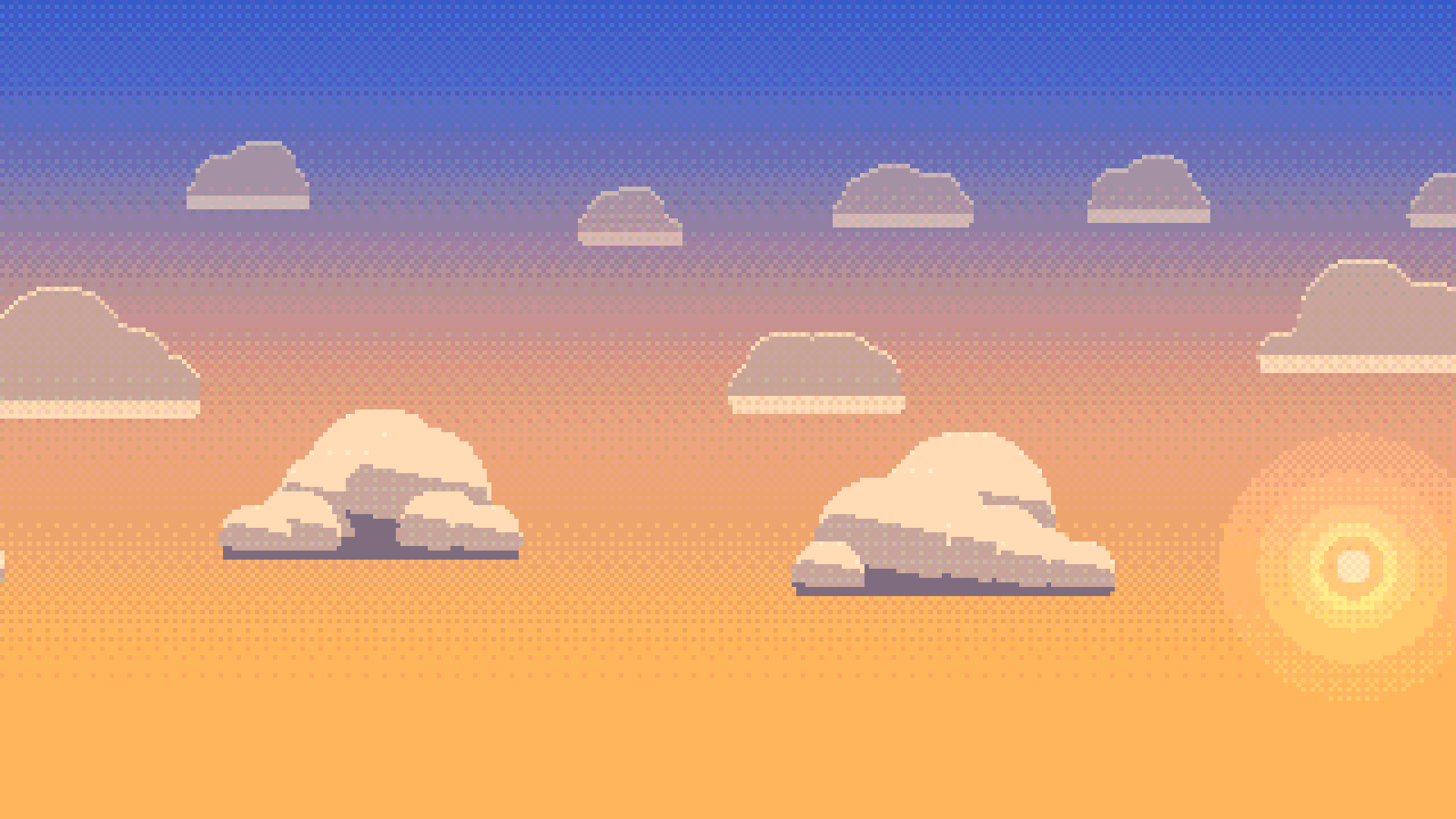
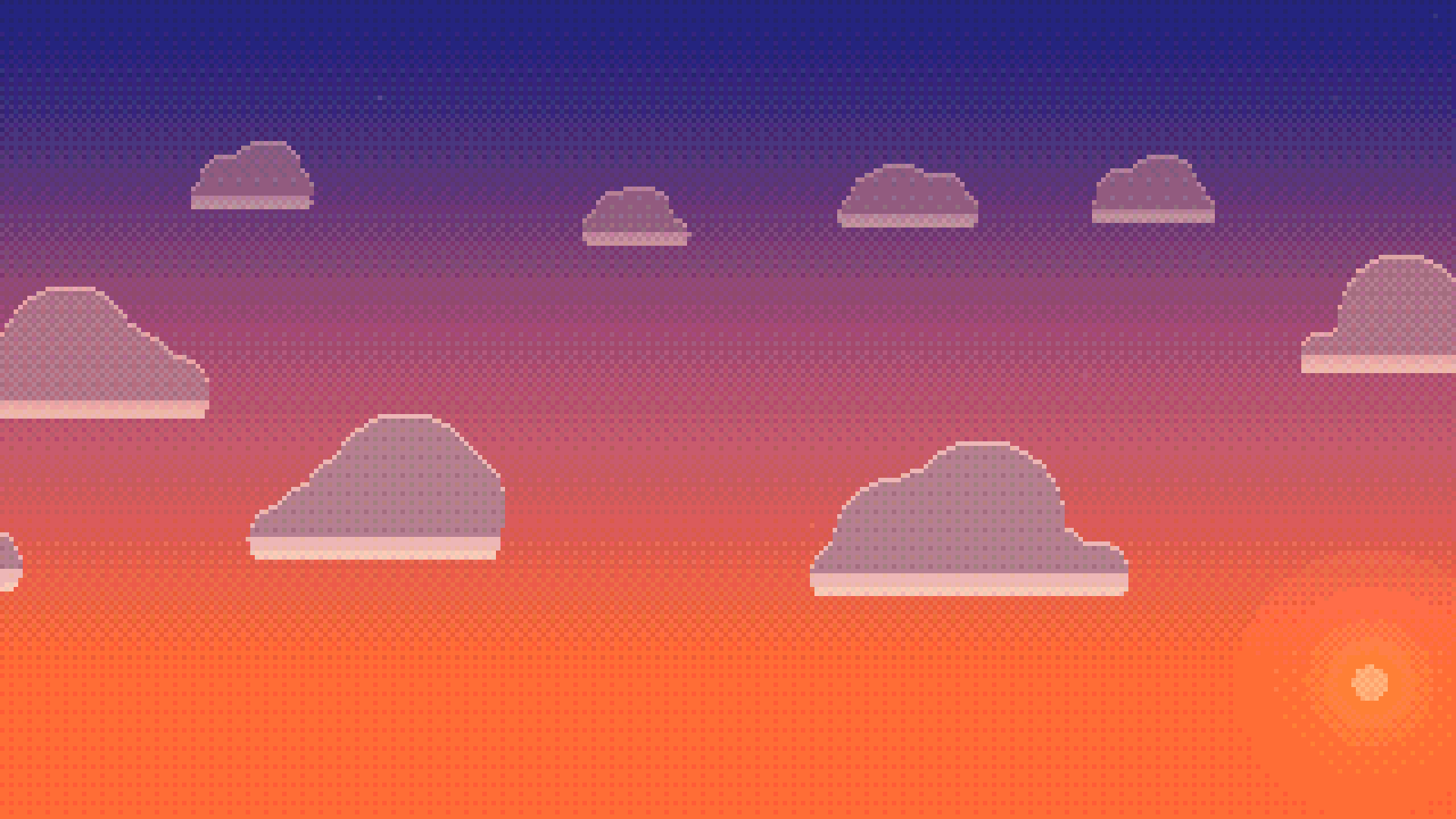
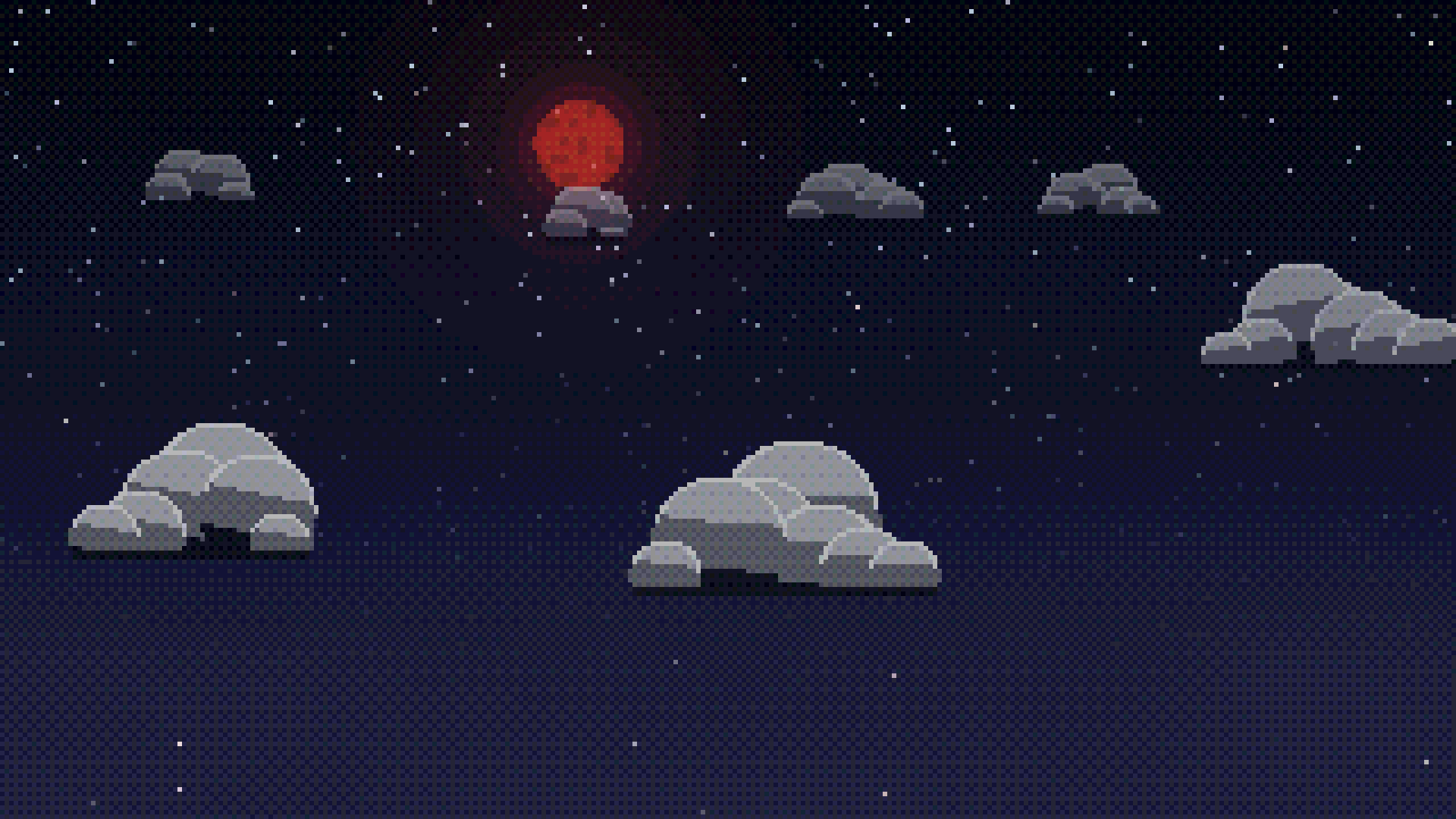
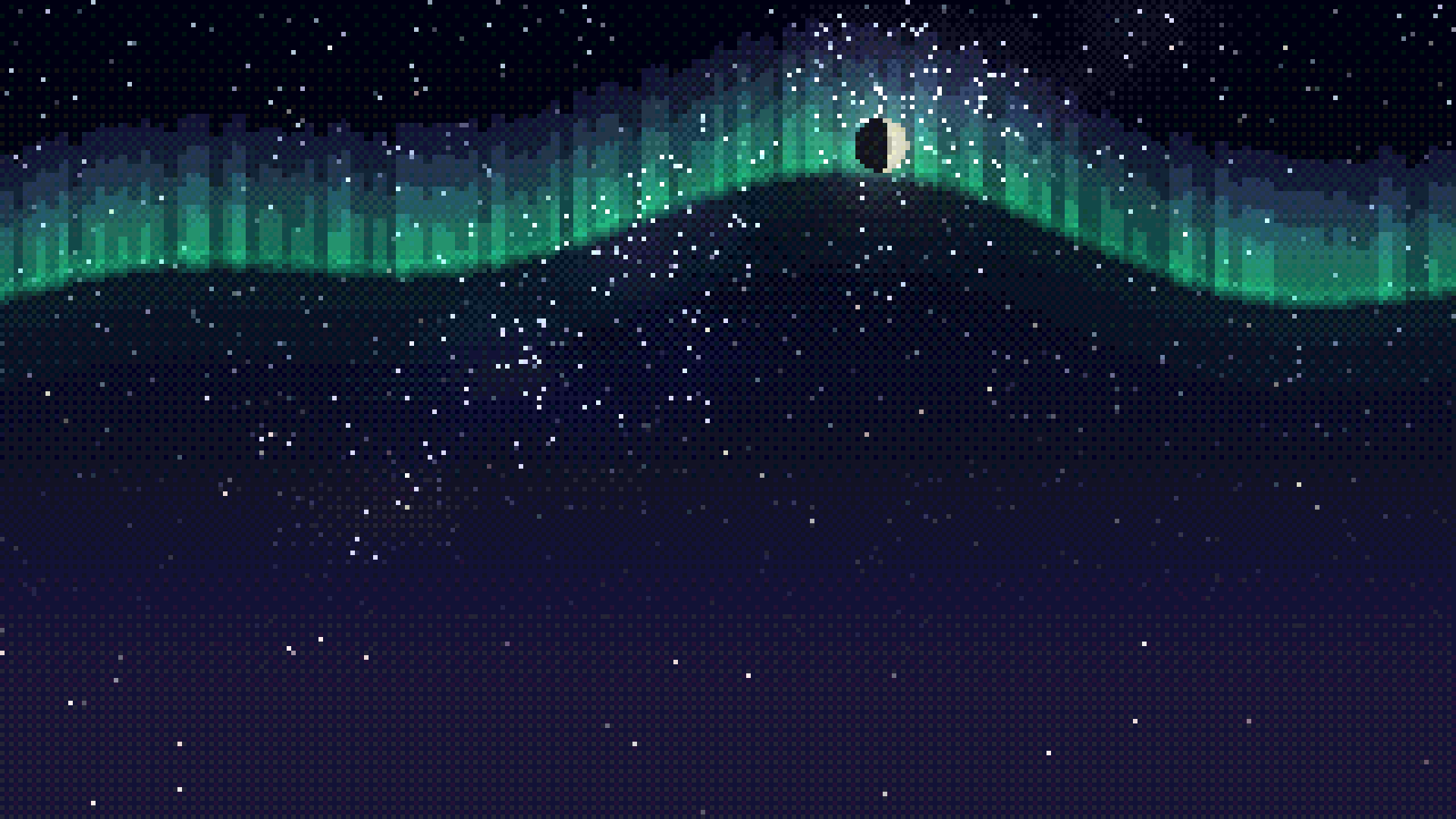
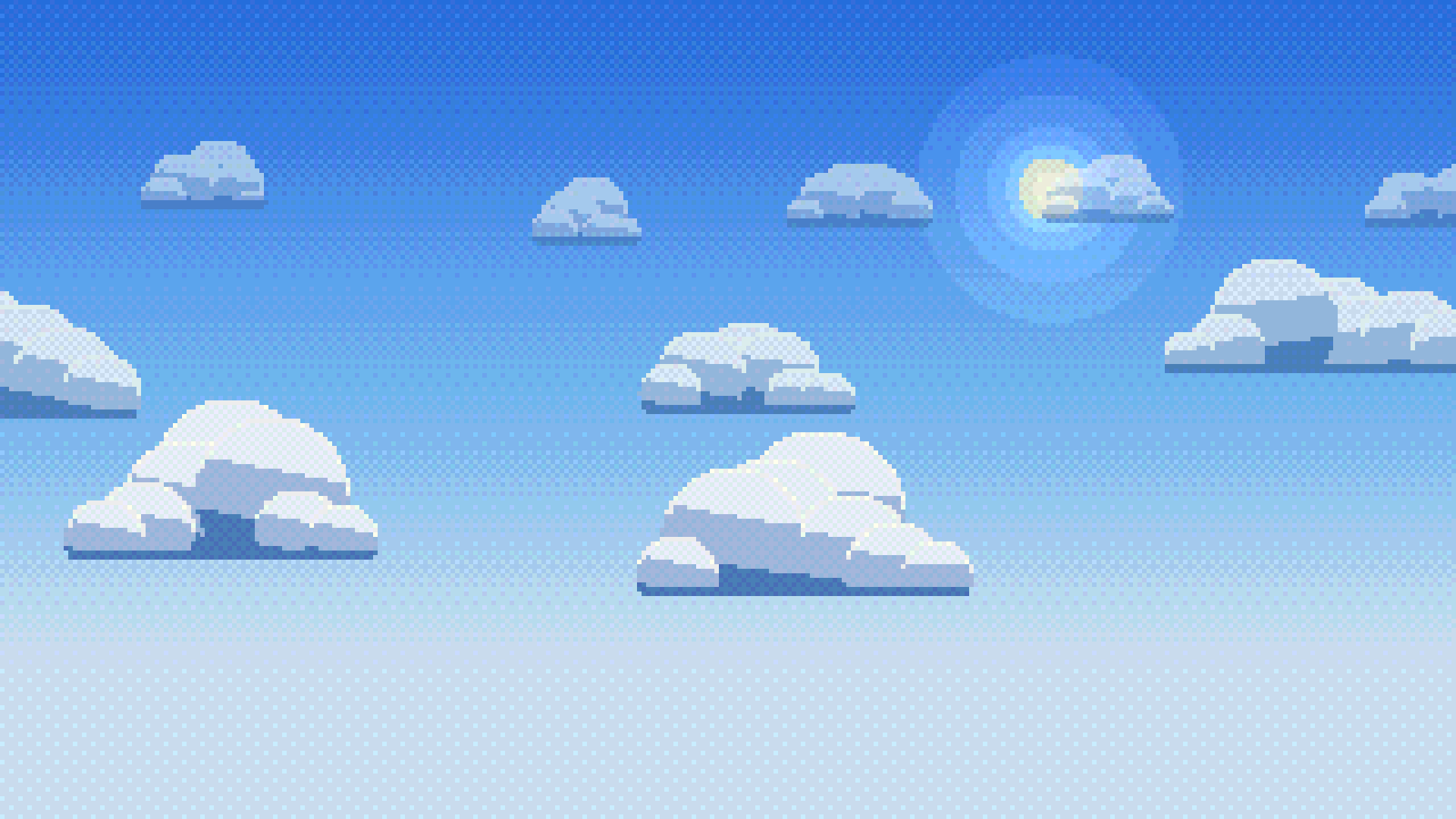
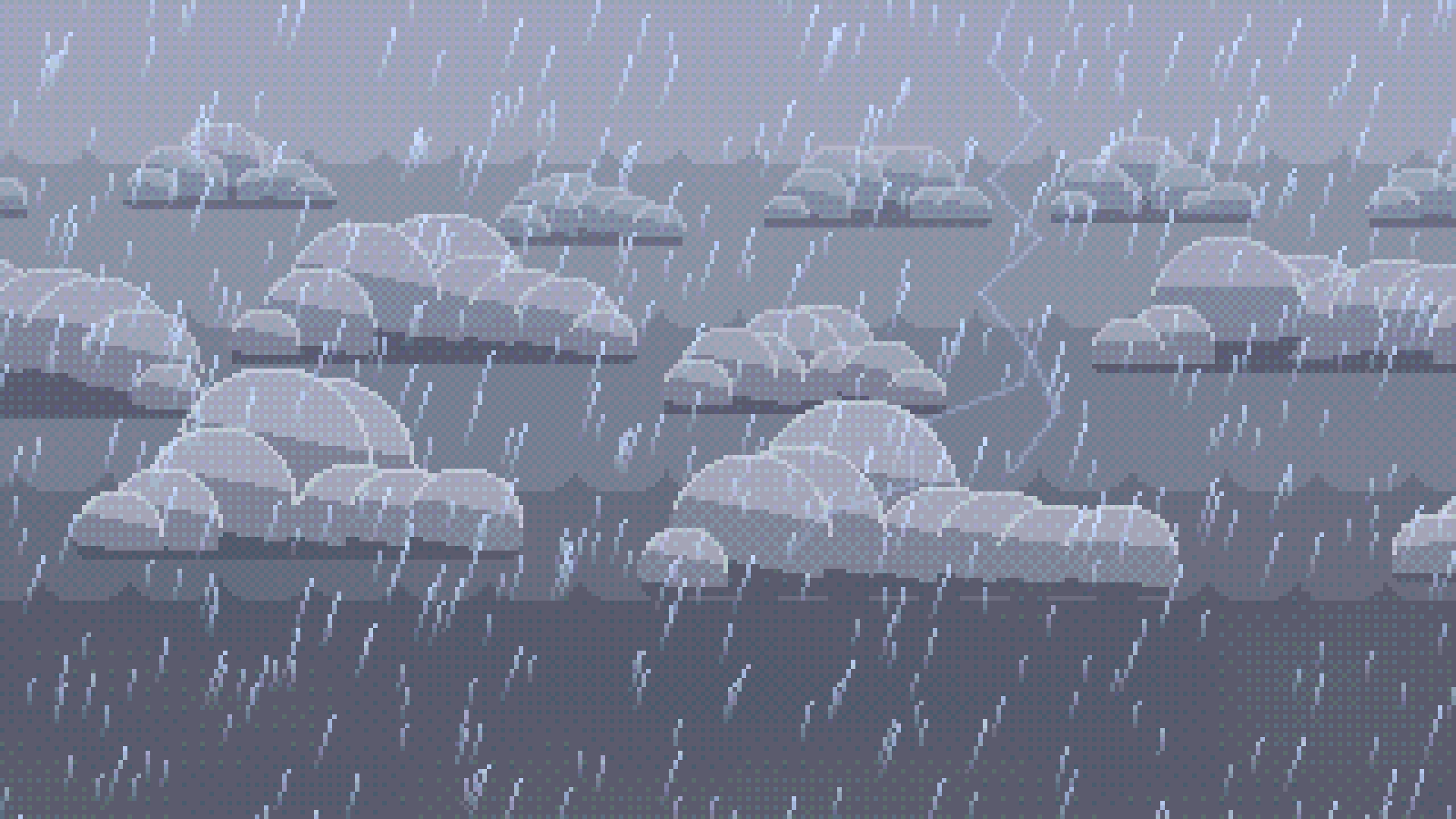
- 23 presets to start from: Sunny Day, Clear Noon, Partly Cloudy, Rainbow, Moon at Noon, Sunrise, Golden Hour, Sunset, Dusk, Clear Night, Starry Night, Full Moon, Crescent Moon, Blood Moon, Aurora Night, Meteor Shower, Overcast, Light Rain, Heavy Rain, Thunderstorm, Foggy Morning, Snowfall and Blizzard
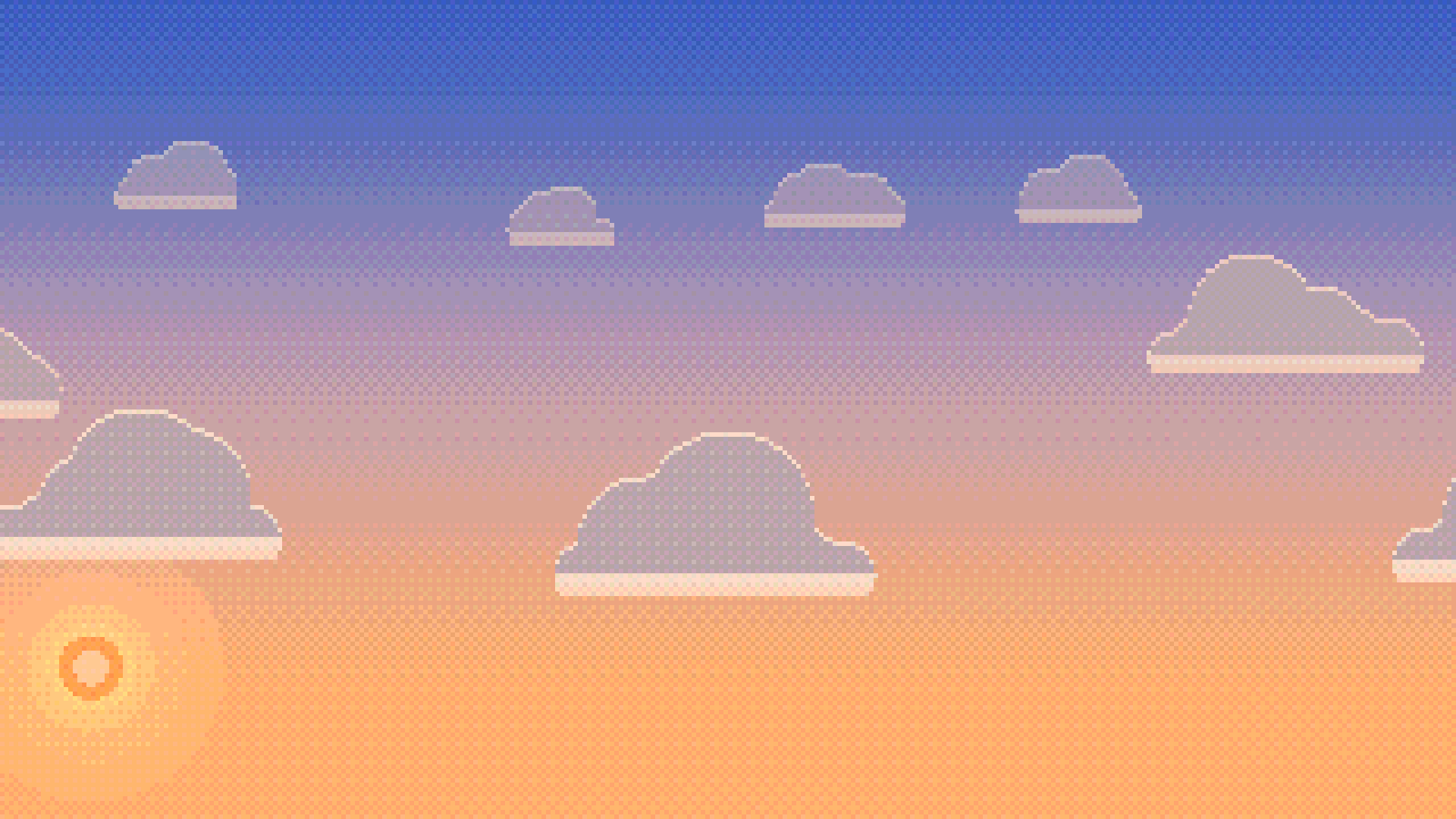
- Time of day: any hour, with the sun and moon moving across the sky and the colors changing with them
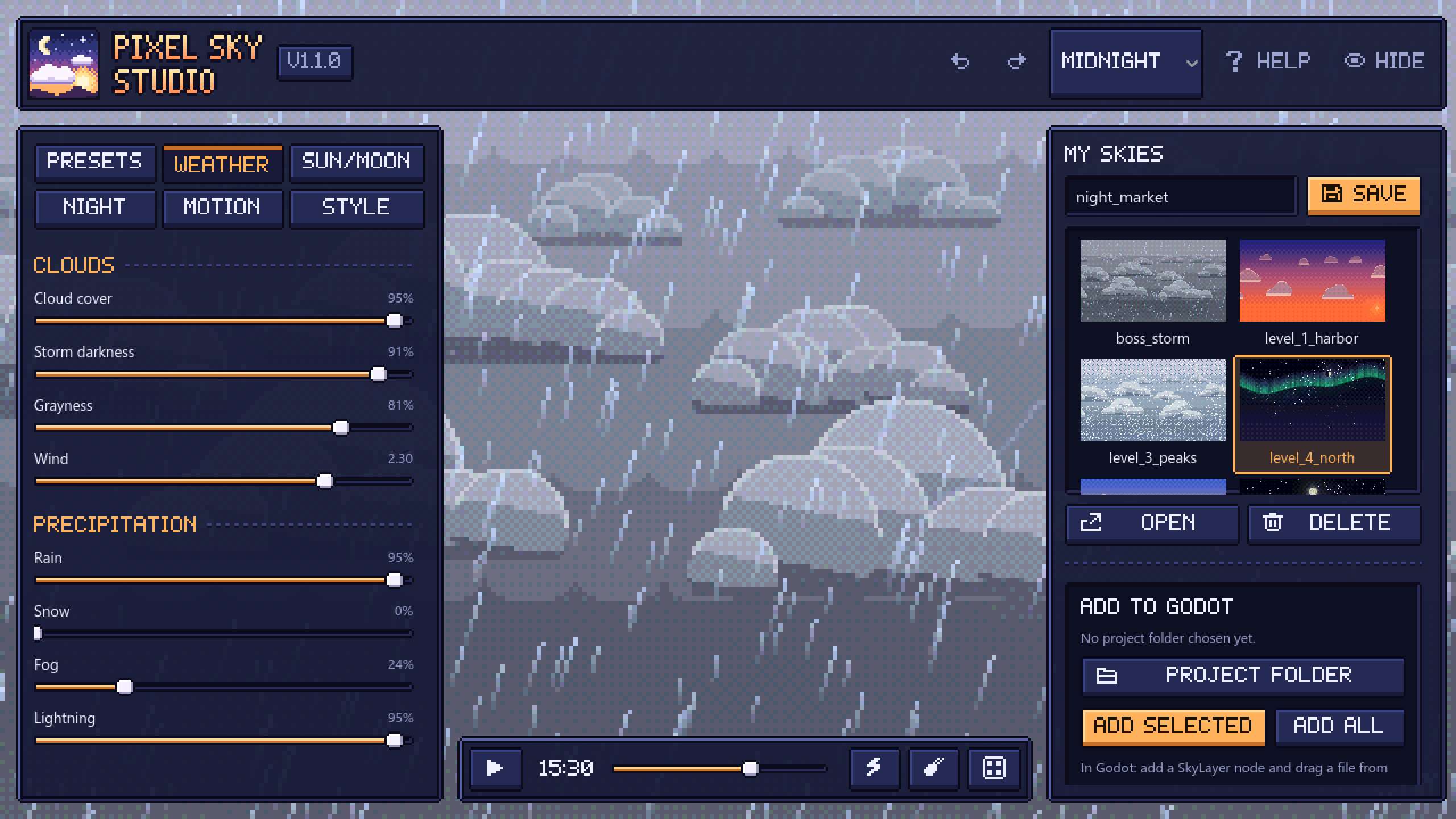
- Weather: cloud cover, storm darkness, grayness, wind, rain, snow, fog and lightning with pixel art bolts
- Sun and moon: sun size and glow, moon phases from new to full, moon size, glow and color (pale, gold, blood red, blue, green), moon in daytime
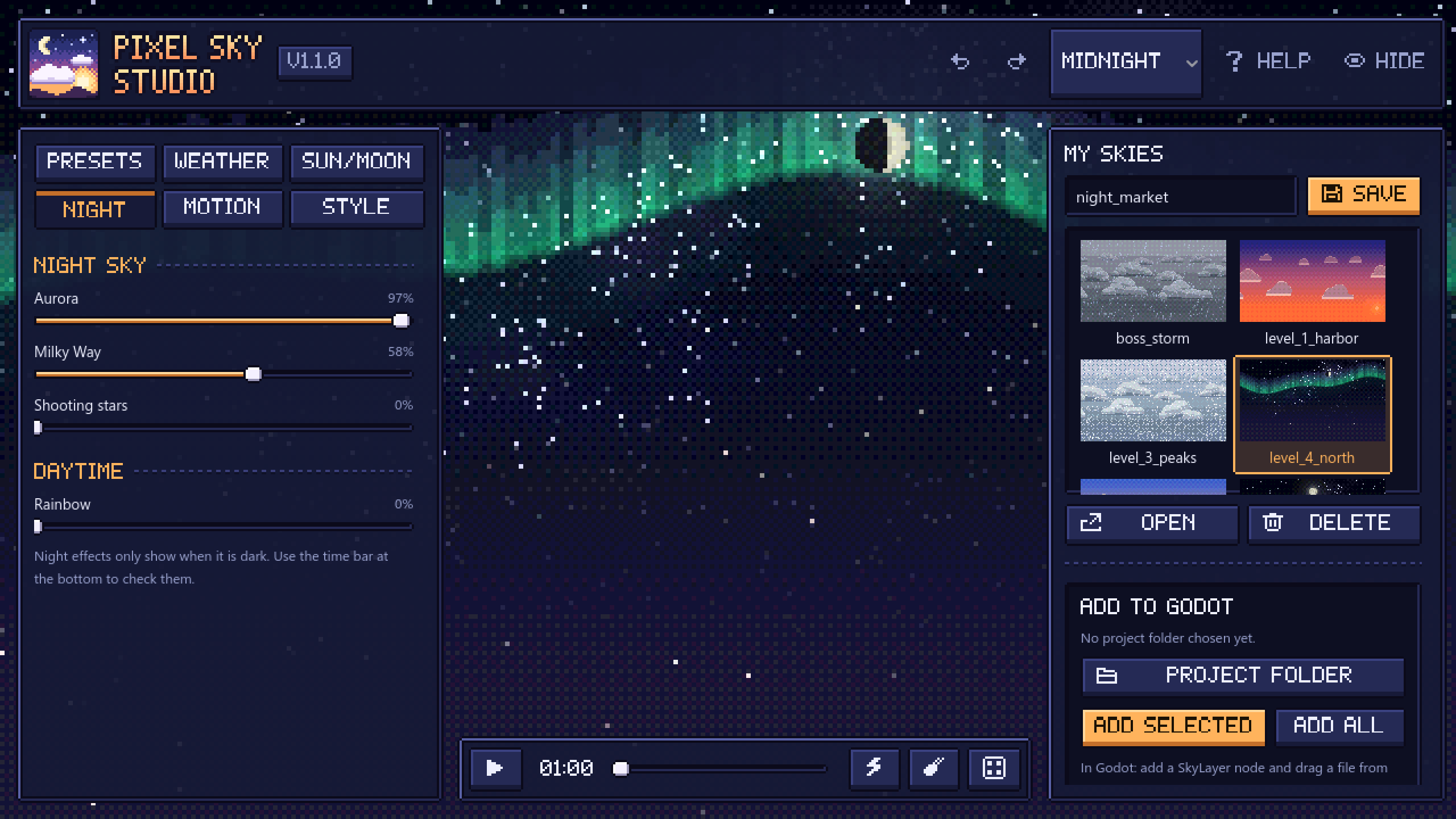
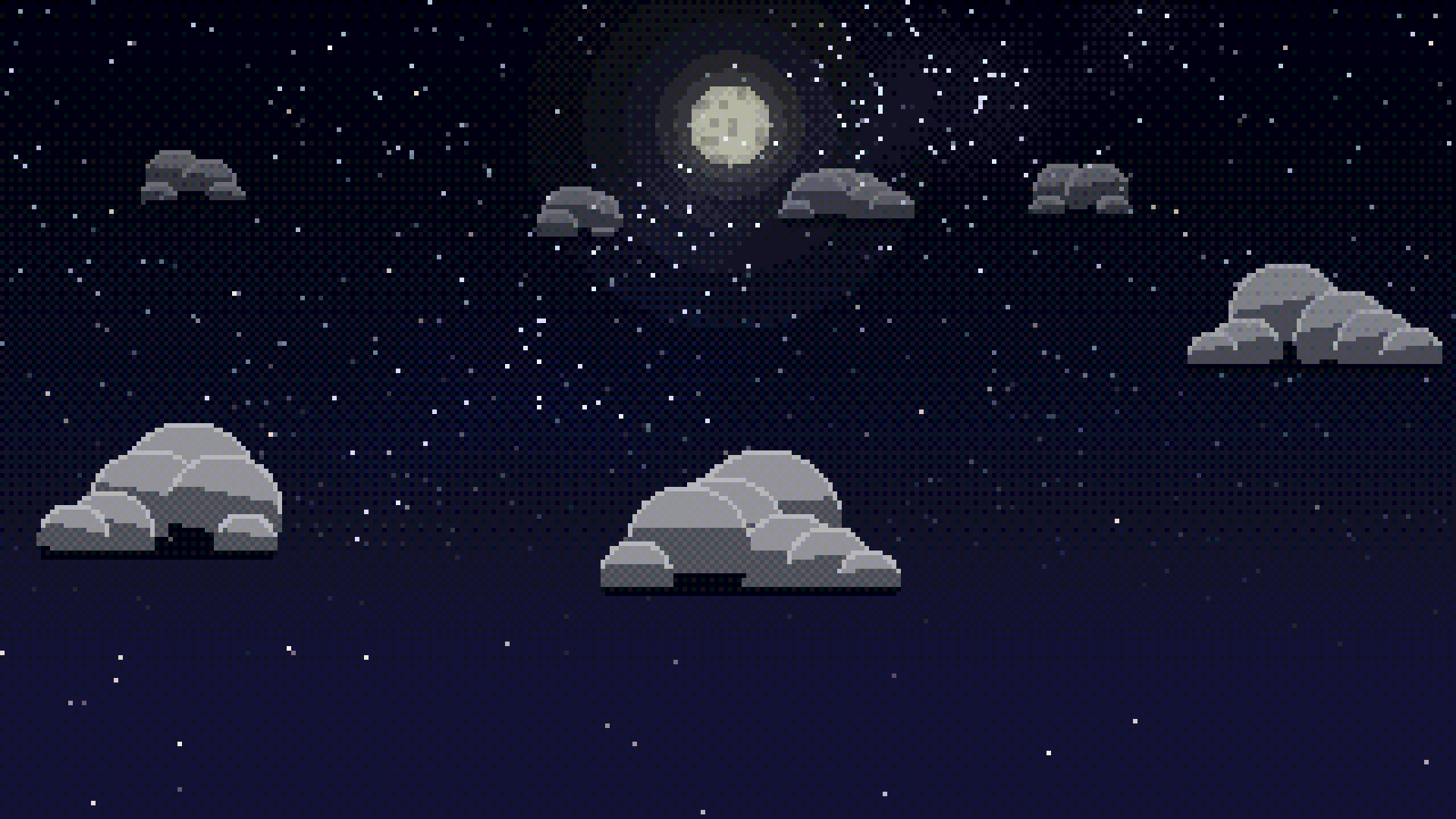
- Night: twinkling stars, Milky Way, aurora and shooting stars
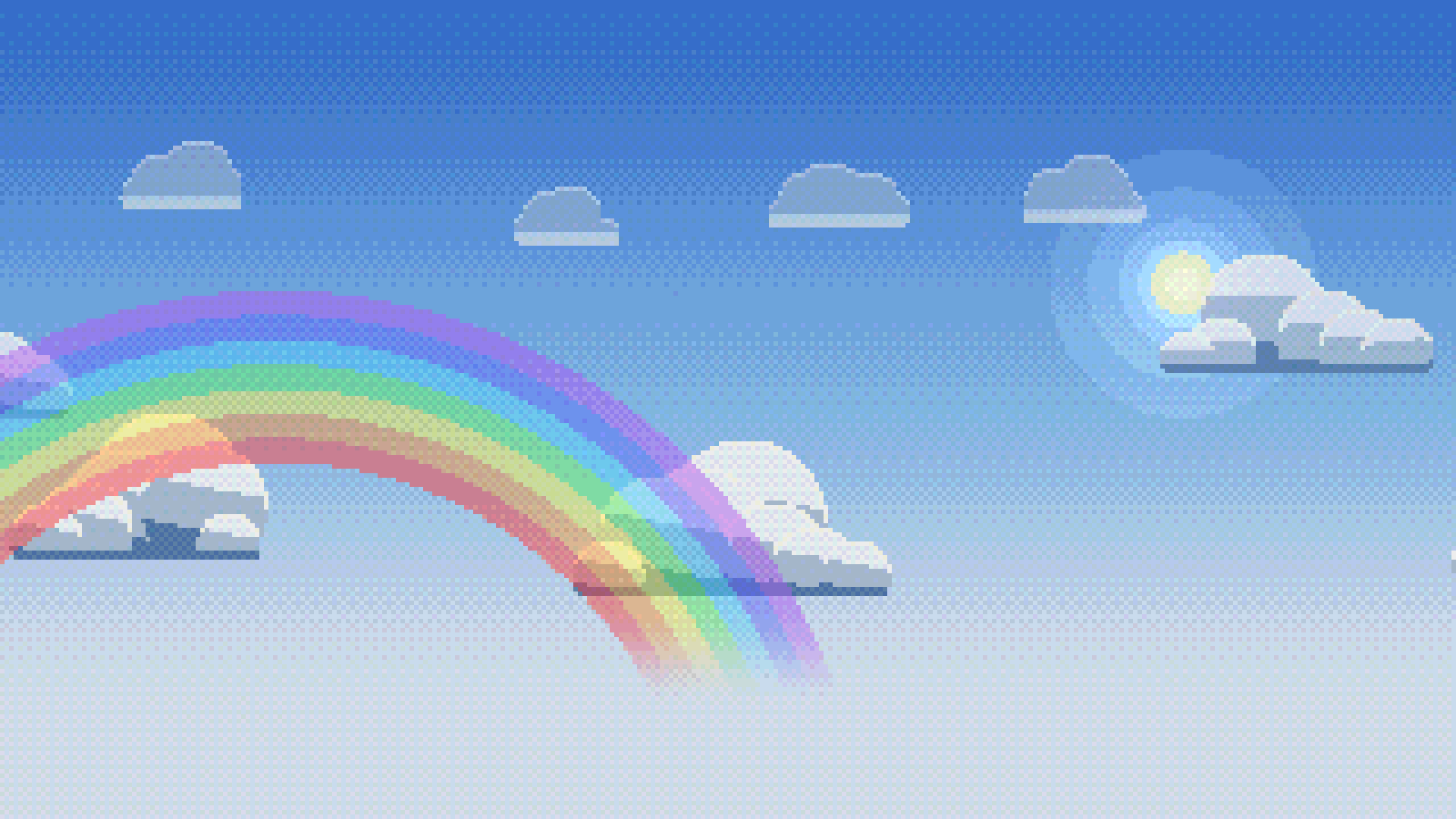
- Rainbow for those after-the-rain moments
Make it match your game
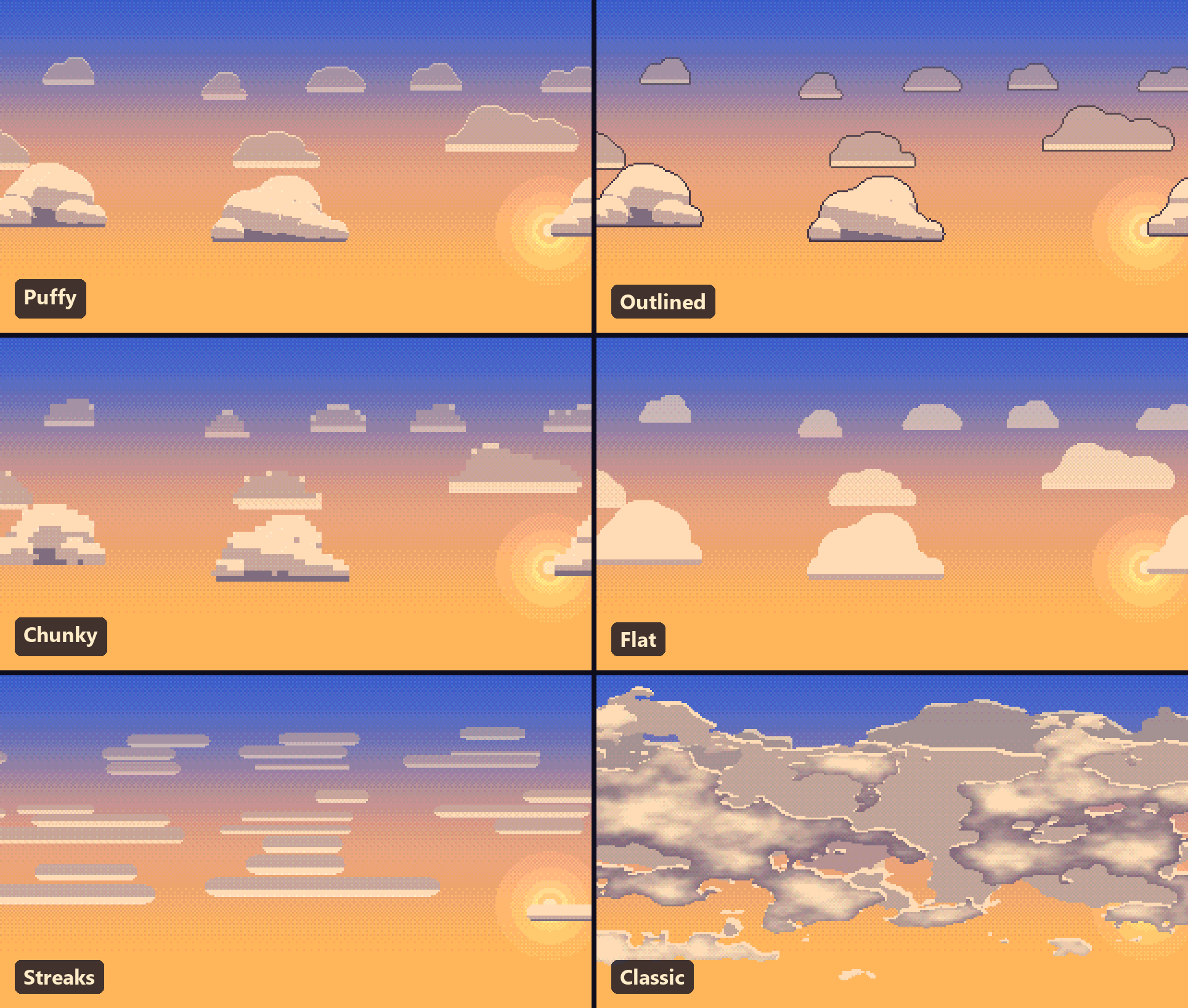
- 6 cloud styles: Puffy, Outlined, Chunky, Flat, Streaks and Classic
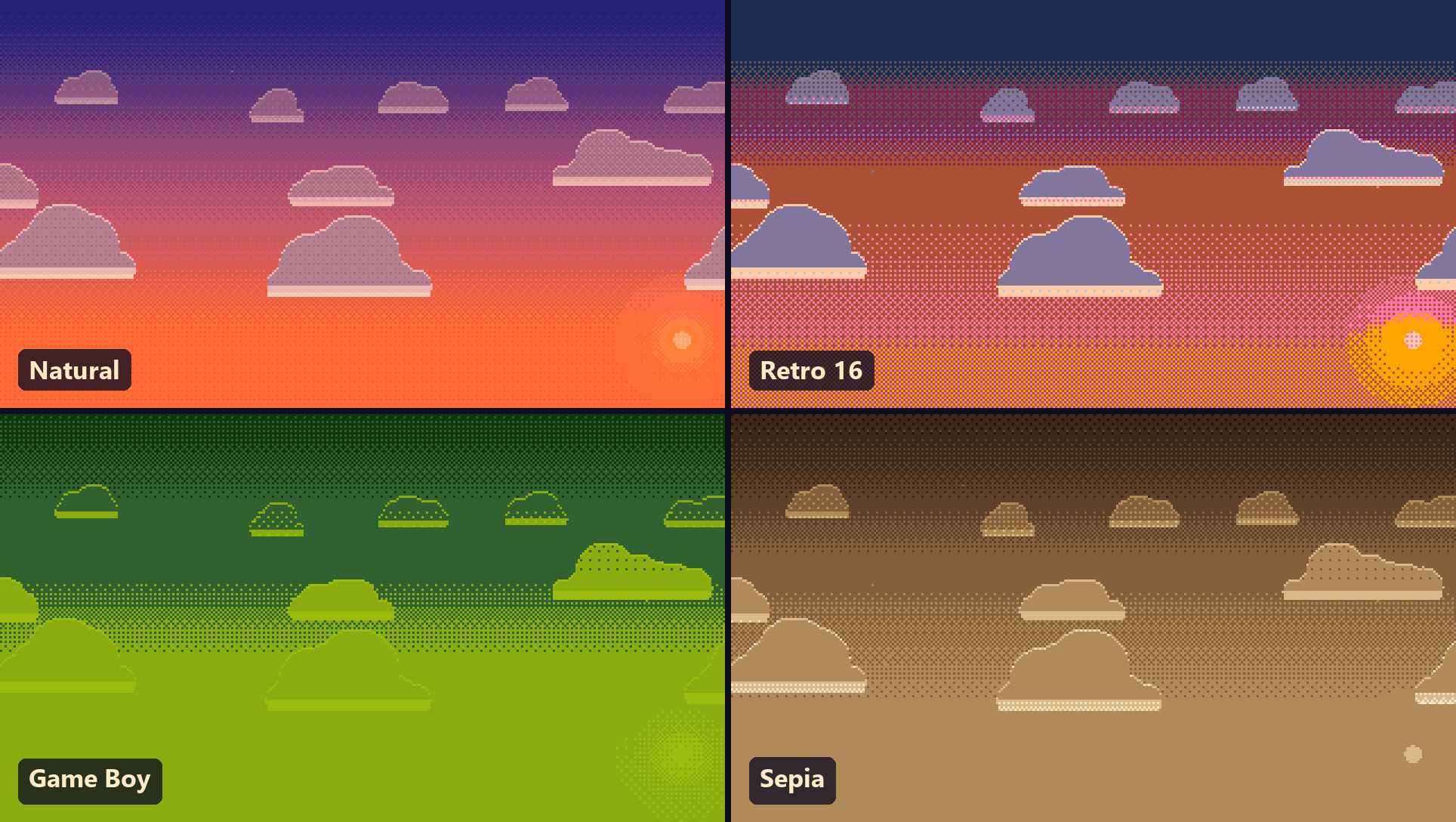
- 8 color palettes: Natural, Retro 16, Dusk 10, Pastel, Storm Slate, Game Boy, Sepia and Ice. Pick one and the whole sky sticks to those colors.
- Quick looks that set clouds, palette and pixel settings in one click
- Pixel size, colors per channel and dithering, so the sky fits the resolution of your game
- Horizon height, so the sky sits right behind your level
Motion
- Day and night cycle that runs by itself, with the length of a full day up to you
- Random weather that switches between the weather types you choose
- Smooth blends when you change from one sky to another
- Clouds drift with the wind, rain and snow fall, stars twinkle. It's all animated.
The app
- Save as many skies as you want in My Skies, each with a little preview picture
- Undo and redo for everything
- "Surprise me" button for a random sky when you need ideas
- Save any sky as a PNG up to 4K, for menus, thumbnails or your store page
- 5 color themes for the app itself
- Hide the whole interface with one key to look at the sky full screen
Using it in Godot
- In the app, choose your project folder once (the one with project.godot).
- Click Add selected or Add all. The app puts the Sky Kit into pixel_sky/ and your skies into skies/.
- In Godot, add a SkyLayer node to your scene.
- Drag a sky file from skies/ into its Style slot. Done.
Want a different sky per level? Add one SkyLayer per scene. Want the sky to change while the game runs? That's one line:
$SkyLayer.set_style(preload("res://skies/storm.tres"), 3.0) # blends over 3 secondsA few more things you can do from code:
$SkyLayer.set_preset("Thunderstorm", 4.0)
$SkyLayer.set_random_weather(true, PackedStringArray(["Sunny Day", "Light Rain"]), 30.0, 90.0)
$SkyLayer.play_sequence([
    {"preset": "Sunrise", "hold": 20, "blend": 5},
    {"preset": "Sunny Day", "hold": 60, "blend": 8},
    {"preset": "Sunset", "hold": 20, "blend": 8},
    {"preset": "Clear Night", "hold": 60, "blend": 8},
], true)
You don't have to use the app at all if you don't want to. Copy the Sky Kit into your project, add a SkyLayer and set every value in the Inspector, or create a SkyStyle resource and edit it there. The scripts and the shader are plain, readable GDScript and Godot shader code, so you can change them or add your own presets.
Free demo
The demo has the whole editor: all presets, weather, sun and moon, night effects, cloud styles and palettes. You can save as many skies as you like. Adding skies to a Godot project and saving PNGs are only in the full version. The demo shows a small watermark.
If you buy the full version later, the skies you saved in the demo are still there.
What you get
- PixelSkyStudio.exe (Windows, 64-bit)
- The Sky Kit for manual installation (SkyLayer, SkyStyle, SkyBackground, shader and presets)
- README with a short guide and the code examples
- LICENSE.txt
Requirements
- Windows 10 or 11, 64-bit
- A graphics card with OpenGL 3.3
- Godot 4.7 (made and tested with 4.7, older Godot 4 versions are not tested)
- Works with the Compatibility, Mobile and Forward+ renderers
Pixel Sky Studio is made for Godot only. It does not work in Unity, GameMaker or other engines.
Updating from 1.0
Download the new version and add your skies again. If your project still has the old addons/sky_backgrounds folder, the app updates it in place, so your scenes keep working. Version 1.1 comes with new pixel art clouds. If you liked the old look, choose the cloud style Classic.
License
When you buy Pixel Sky Studio, you get a license to use it in your own projects.
You can:
- Use the app, the skies you make with it and the Sky Kit in as many games and projects as you want
- Use them in personal and commercial projects, including games you sell
- Change the Sky Kit scripts and shader for your own projects
- Show the skies in screenshots, trailers, streams and other marketing for your games
You can't:
- Resell, share or give away Pixel Sky Studio, the Sky Kit, the shader or its source code, changed or not
- Put the Sky Kit into an asset pack, template or tool that you sell or share with others
- Upload the files somewhere other people can download them
- Say that you made the tool or the Sky Kit
Shipping the Sky Kit inside your finished game is of course fine. That's what it's for.
Credit is not required, but if you mention Pixel Sky Studio in your credits, I'd really appreciate it.
The software is provided as is, without warranty of any kind. The full text is in LICENSE.txt in the download.
Questions or problems?
Leave a comment on this page. I read all of them and try to help as fast as I can. If you made something with Pixel Sky Studio, I'd love to see it.
Purchase
In order to download this tool you must purchase it at or above the minimum price of $4.99 USD. You will get access to the following files:
Download demo
Development log
- Version 1.1.013 days ago
Leave a comment
Log in with itch.io to leave a comment.